Prompt recipe
Editorial still life
A sculptural ceramic vase on a travertine plinth, one bent metal chair in the background, hard afternoon sun, deep shadow, warm mineral palette
Build a sharper Flux Klein prompt, understand the 5.6B model, then open the official demo or run the weights on your own GPU.

Parameters
5.6B
Maximum output
Up to 4K
Distilled steps
16
Reference images
Up to 10
Flux Klein prompt lab
Flux Klein works best when the prompt names the subject, setting, composition, light, materials, and color. Use this builder to turn a rough idea into a fuller caption, then take it to the official demo.
This page does not generate images.
The button opens the official Hugging Face Space. Its queue, account requirements, and usage limits belong to that service, not to this independent guide.
Model field notes
5.6B
parameters in both checkpoints
Flux Klein is the compact, open-weights member of the FLUX 3 Image family from Black Forest Labs. It handles text-to-image generation, editing from reference images, compositions that combine multiple references, and bounding-box layout control in one 5.6B model. The checkpoint is available through the publisher API, Hugging Face, and a ComfyUI workflow, so the same model can be tested in a browser or installed on a local machine.
The useful distinction is not just speed. Flux Klein gives independent creators and small teams a model they can run outside a hosted studio, while the larger FLUX 3 Image family remains the place to compare the highest-end output. For a local test, the distilled checkpoint is the practical entry point because it is designed for 16 inference steps.
Flux Klein also changes the prompt workflow. Black Forest Labs trains the model on detailed scene captions, and its own documentation warns that a prompt sent as typed can produce noticeably weaker results. The official upsampler rewrites a short idea into the framing, subject, environment, and lighting details the model expects.
Do not skip this
Run the Flux Klein prompt upsampler, or write a full caption yourself.
The upsampler needs about 28 GB of GPU memory. A detailed prompt is the lower-memory alternative, but it must cover the same visual decisions.
| Checkpoint | Inference steps | Guidance | Best for |
|---|---|---|---|
| Klein Distilled | 16 | 1 | Fast generation and local deployment |
| Klein Base | 50 | 3.5 | Fine-tuning, LoRA training, and research |
Specs and pricing come from the official Flux Klein documentation. Check the publisher page before relying on a current price or hardware requirement.
Prompt directions
Each card starts with a visual decision, not a pile of adjectives. Load one into the prompt lab and rewrite the subject for your own image.
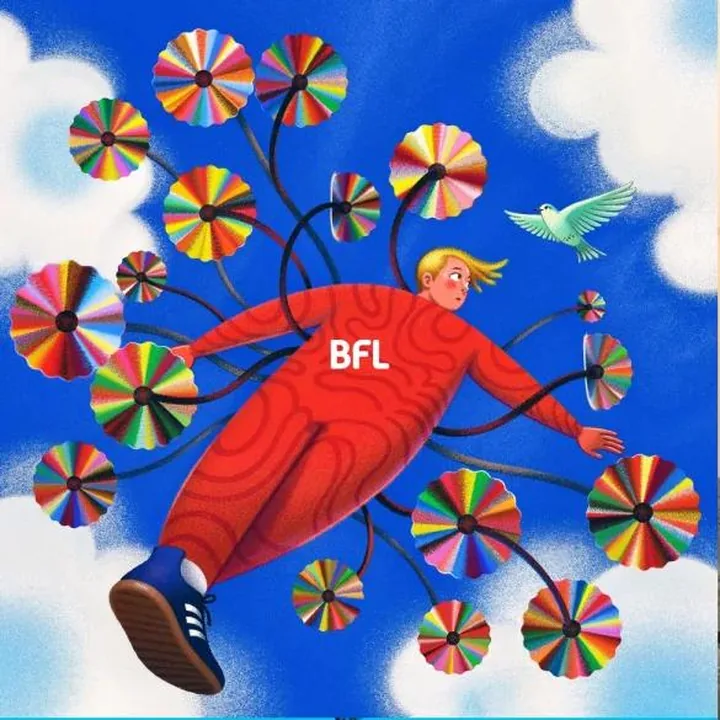
Prompt recipe
A sculptural ceramic vase on a travertine plinth, one bent metal chair in the background, hard afternoon sun, deep shadow, warm mineral palette
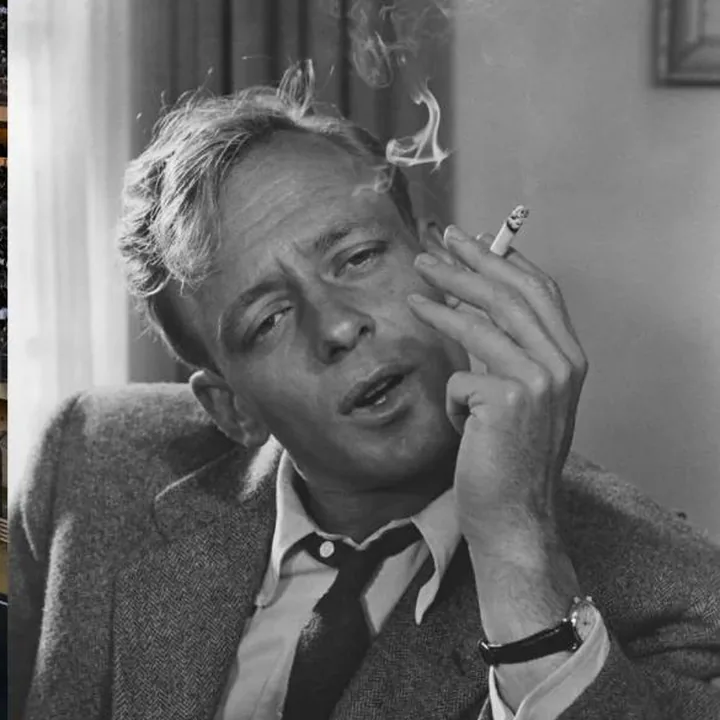
Prompt recipe
A jazz pianist waiting backstage before a late set, tailored charcoal suit, cigarette smoke drifting through a single beam of light, black and white editorial portrait
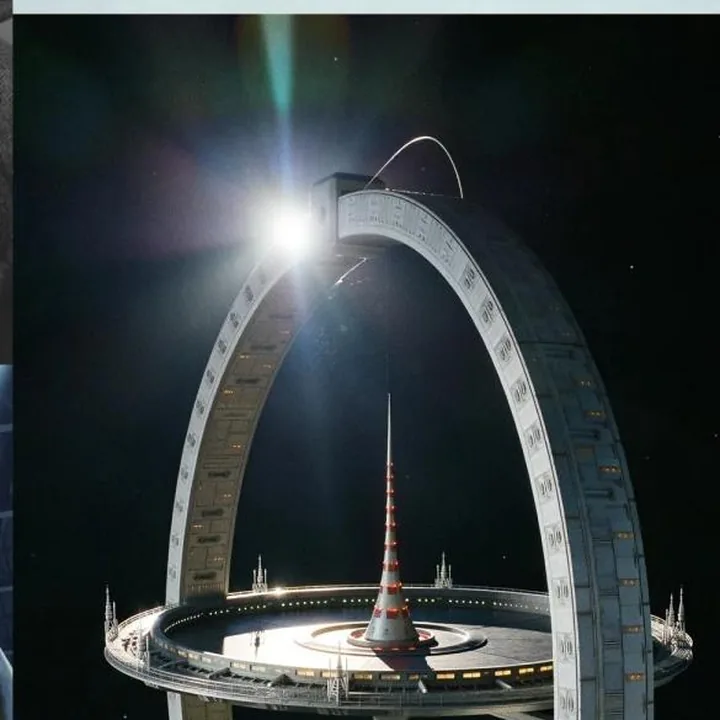
Prompt recipe
A circular orbital station turning above the Earth at dawn, tiny warm windows, solar panels catching the first light, clean science-fiction concept art
Publisher sample images via Black Forest Labs. They demonstrate the model family, not output from this page.
Local workflow
Flux Klein is small enough for consumer hardware, but the complete pipeline has more than one model. Plan for the image model and the prompt upsampler before you download weights, and keep enough disk space for both checkpoints. The official pages list the supported components, so start there instead of assembling a workflow from random files.
Flux Klein was trained on complete scene captions, so run the official prompt upsampler before the image model. It adds about 28 GB of GPU memory, but it turns a short instruction into the detail level Klein expects and prevents the softer results that come from a raw one-line prompt.
Use the distilled checkpoint for 16-step generation and fast iteration. Switch to Flux Klein Base for 50 steps with guidance 3.5 when the goal is fine-tuning, LoRA training, or research rather than a quick draft.
The official ComfyUI workflow is the shortest path for a local test. For code-first work, load the Hugging Face checkpoint with Diffusers and pass the upsampled caption into the pipeline. Keep resolution, references, and precision within the limits available on your GPU.
Choose your route
The browser demo is the quickest way to judge whether Flux Klein fits a project. The API route is better when a product needs repeatable generation, asynchronous polling, and output pricing by resolution. A local install gives you weight access and workflow control, but adds GPU and setup requirements. All three routes use the same model family, so compare them on control, cost, and operating burden rather than expecting a different visual language.
Start with one route and one variable. Test a single scene at 1K, compare captions before changing checkpoints, then move to 2K or 4K only after the composition works. That keeps the comparison about the image instead of queue time or hardware noise. If a Flux Klein test fails, record the prompt, checkpoint, aspect ratio, and reference order before changing anything else.
01 / Browser
Try the publisher Space without installing a local pipeline.
Open demo →02 / API
Read the endpoint, prompt upsampler, and per-resolution pricing notes.
Read docs →03 / Local
Inspect the reference CLI and run Flux Klein with the provided workflow.
View code →Questions
Short answers for the decisions people make before trying the model, installing the weights, or publishing an image.
Flux Klein is the compact FLUX 3 Image Klein model from Black Forest Labs. It is a 5.6B open-weights image model for text-to-image, reference-image editing, multi-reference work, and bounding-box layout control. You can reach the same checkpoint through the official API, Hugging Face demo, Hugging Face weights, or ComfyUI workflow.
You can open the official FLUX 3 Image Klein demo on Hugging Face from this page. Access, queue time, and usage limits are controlled by the official demo, so availability can change while the Space is busy.
The distilled checkpoint is tuned for fast image generation in 16 steps with guidance set to 1. The Base checkpoint uses 50 steps and guidance 3.5, making it the better starting point for fine-tuning, LoRA training, and research.
Yes. Black Forest Labs says the model fits on consumer GPUs down to an RTX 3090. The full setup also needs the prompt upsampler, which adds about 28 GB of GPU memory and should remain part of a local workflow. Check the official installation files before buying hardware or renting a cloud GPU.
The model is trained on full scene captions. The official prompt upsampler turns a short idea or edit instruction into that style of caption before generation, which avoids the weaker results produced by sending a rough prompt as typed.
Commercial use depends on the FLUX Kommunity License and your organization's situation. Read the official license before publishing client work, product images, or other commercial output, because eligibility and conditions are defined there.
No. Flux3Klein is an independent prompt studio and model guide. It links to the official weights, documentation, Hugging Face demo, and ComfyUI workflow, but it is not operated by Black Forest Labs.
Start with a scene, not a slot machine